Archive for the Traveller Category

Nukes in space!

Posted in Intercept, Rules, Traveller on April 6, 2015 by Mr Backman

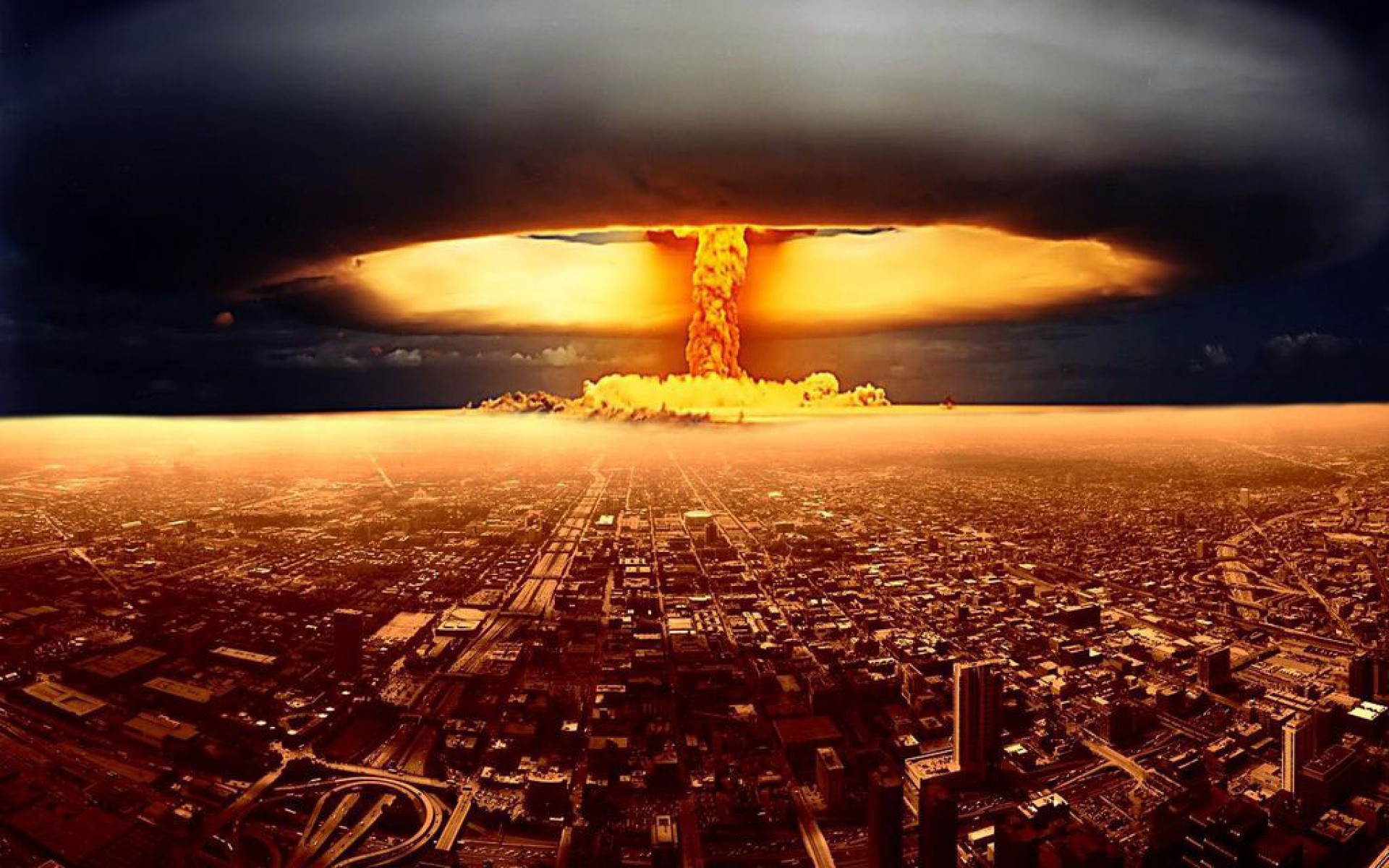
Atomic blast

Humankind have detonated 17 nuclear devices in space during the cold war the largest being the US Starfish at 1.4 Megatons. From Wikipedia:

“Starfish Prime produced an artificial radiation belt in space which soon destroyed three satellites (Ariel,TRAAC, and Transit 4B all failed after traversing the radiation belt, while Cosmos V, Injun I and Telstar 1 suffered minor degradation, due to some radiation damage to solar cells, etc.).”

“The worst effects of a Soviet high-altitude test occurred on 22 October 1962, in the Soviet Project K nuclear tests (ABM System A proof tests) when a 300 kt missile-warhead detonated near Dzhezkazgan at 290-km altitude. The EMP fused 570 km of overhead telephone line with a measured current of 2,500 A, started a fire that burned down the Karaganda power plant, and shut down 1,000-km of shallow-buried power cables between Aqmola and Almaty.”

If you are playing in the Traveller setting nukes are only allowed by the Imperial Navy or System defense forces and can only be used in wartime. Mercenary slang for wars involving nukes is ‘Bad war’, all other wars are called ‘Good war’.

Missile nuke option

  • Large nuclear missile TL 6+
  • Medium nuclear missile TL 7+
  • Small nuclear missile TL 8+

Consult the tech chart above to see at what Tech Level each missile class gets the nuke option. Nuke option reduce thrust with -2G and have a price multiplier of x10. PEN & DAM +12 when directly impacting a target but they can also be proximity detonated for +3 DM to hit and PEN & DAM -6, proximity detonation is not a design option but a choice the missile operator can do when attacking.

Nuke attacks and defense
Nuke attacks work the same as for normal missiles but the target may defend using one laser battery and one nuclear damper battery. Ships with a functional Neutrino detector will know if a missile is a nuke or not, all others must guess. Firing a nuclear damper on non-nuke missiles has no effect, of course.

Proximity detonation
The nuke missile operator may elect to detonate the nuke some way off the target for a +3 DM and PEN & DAM -6. Damage from proximity detonations should use the Spray fire rules were the degrees of success give more hits rather than more damage at one hit.

  • VGood 3 Fair hits
  • Good 2 Fair hits
  • Fair 1 Fair hit

Nuke secondary effects
The X-Ray, neutrino and gravity burst from the detonation also affect nearby ships interfering with their sensors. Visual/IR and Radar lose any tracks unless they were popped down, Neutrino and Mass lose their tracks regardless. Max range for this effect depend on the size of the missile:

  • Small 1 square
  • Medium 3 squares
  • Large 5 squares

Fleet tacticians and nukes
Fleet tacticians allow their Ship tacticians to fly more dispersed formations. An Expert+ Fleet tactician allow his Ship tactician to have a wide enough separation from any nuke secondary effects!

Ripley: I say we take off and nuke the entire site from orbit. It’s the only way to be sure.

Hudson: Fuckin’ A!

Burke: Hold on a second. This installation has a substantial dollar value attached to it.

Ripley: They can *bill* me.

Intercept 3.3 update

Posted in Design system, Intercept, Rules, Traveller on November 10, 2013 by Mr Backman

Laser with mirror

Yeah, it is true, I finally managed to put it together and get it ready to download. there are lots of changes, rearrangements and tweaks, too many to mention all so I will just give you the major points. I have scattered some illustrations here and there in the rules to liven things up a bit and to exercise my limited artistic abilities.

Download the latest version of Intercept and designs from the Downloads page.

Design system

The design system has gotten some changes here and there but now for the first time there is actual documentation on how to design ships in the rulebook. This part is placed at the end, right before the tables and charts, so you can print out the Design rules in a separate booklet if you like.

Mapsheets

There are many changes to how ships interact with planets and these changes are reflected in the new mapsheets. There is one sheet with a small planet in the middle, one with a large planet and also one where a large and small planet are placed far apart to play out scenarios in the Earth – Moon neighbourhood. The mapsheets are now included in the Intercept bundle.

Missile customization

Various missile customization options are tabulated in the rules but maybe not too deeply explained. Read about missile customization here.

Planets

Planets have their own section now with rules on planetary line of sight, gravity etc in one place instead of scattered throughout the rules. The rules for stable orbits now cover polar orbits as well.  The planetary line of sight rules and sun shadow rules have changed considerably so make sure you read up on planets if you use them in the game.

Consolidated Pilot task

A fancy name for the section where various Pilot related stuff is located. You will find rules for docking, ramming, landing on planets, crashing into planets, voluntary and mandatory areobrakes etc. This section is a good place for a Traveller referee to get less ad-hoc and more believable rules for ship to ship and ship to planet interaction with more choices and participation by the players while still taking the characters skill into consideration.

Traveller integration

A page on how to integrate Intercept with Traveller has been added, to be filled with rules and tips whenever someone actually bothers to give me feedback. For me, Intercept is Traveller so I see no real point in writing conversions for various Traveller versions, the most likely one to get this treatment will be the Mongoose version of Traveller which I like in many ways, mostly for its adherence to the original LBB version. Just subtract 1 from your Mongoose or Classic Traveller skill level to get the D to use in Intercept, GURPS players should use (skill – 10) / 2.

Changes to Intercept

Posted in Design system, Intercept, Rules, Traveller on April 8, 2013 by Mr Backman

Some of you may not know it but I keep doing updates to the rules, maps, datacards and design system on a regular bases, just download the Intercept bundle here. Quite a lot of updates have accumulated without andy update posts but I will try to summarise the most recent changes below. To see what version you have simply look at the headings row of the design system for version date. I always update Ship.xls and Data.xls in tandem.  You can see the version of the Data.xls where you see the Ship.xls version number.  To update your designs you need to copy each column labeled Edit from your old design and paste* it into the new Ship.xls, then close the old design and save Ship.xls as the old designs name overwriting it. When you paste it is much safer to do the Paste->Paste values to ensure that you won’t overwrite and formatting.

Updating the Ship.xls sheet

Thrust
All kinds of thrusters now correctly reports their actual thrust, the two values are Loaded / Unloaded performance. The Mtrl type field now goes from 0-3 with ever decreasing masses for most of a ships components. If you find your designs too low in acceleration and delta-V you should increase your material types to lighter but more expensive versions.

Editable Sun factor

Sun factor
There is now a light yellow field for the Sun factor. It should be easy to recalculate Vis(Hull) and IR(Hull) for other values of the Sun factor but now you can simply enter the value you want in the yellow box. Sun factor is +6 in the life zone of a solar system and goes up by 1 for each orbit inside and down by 1 for each orbit outside down to Sun factor 0. Mercury is +8, Venus is +7, Earth and Luna is of course +6, Mars is +5, Asteroid belt is +4, Jupiter and its moons are +3, Saturn and its moons are +2, Uranus and its moons are +1 and Neptune and its moons are 0. Pluto isn’t even a planet but as its orbit is never much closer than Neptune it is always 0 in Sun factor. Ships in Planet shadow subtract the Sun factor from Vis(Hull).

Living space
Living space and Life support determine the quality of life for the crew past the endurance of its crew stations. More living space per crew member means longer trips without physical or psychological effects. This is mostly here for roleplaying uses but if you design your own ships for competitive play make sure yiu stipulate the expected trip time requirements, ships using Jump drives should have at least one week endurance as this is the time the ship spends in hyperspace. Note that the Closed Lifesupport option requires lots of room for the green house but that entire volume is also treated as Living space and this is reflected on your ship designs.

Living space and crew comfort table

  • 1 m3 per crewmember Cramped 1 day cruise
  • 2 m3 per crewmember Normal 1 day cruise
  • 5 m3 per crewmember Roomy 1 day cruise
  • 10 m3 per crewmember Cramped 1 week cruise
  • 20 m3 per crewmember Normal 1 week cruise
  • 50 m3 per crewmember Normal 1 month cruise
  • 100 m3 per crewmember Cramped 1 year cruise
  • 200 m3 per crewmember Normal 1 year cruise
  • 500 m3 per crewmember Roomy 1 year cruise

Well, that is all for this update, more to come regarding the rules changes later (when I will also document the polar plane gravity sling stealth manuver sometimes called the Marre Red).

Intercept 3.2 update

Posted in Intercept, Rules, Traveller with tags , on November 18, 2012 by Mr Backman

Intercept 3.2 jay!

Oh, has it been this long since my last post? Why? Well, I switched from working at Starbreeze on Syndicate  and joined Machine Games to work on an as of yet undisclosed title.

Lately I have gone through the Interecpt rules, simplifying it and making it easier to play. The result is the all new Interecpt 3.2 available here and my ready-made ship designs based on Traveller available here. The most important changes have to do with the Sensor rules and how planet LOS is handled but there are small changes here and there throughout the rules. The aerobrake rules are also simplified and expanded to cover crashing into planets as well, however unlikely that may be.

Sensors in 3.2

Performing Scans work more or less the same as in 3.2; scans are normally done in boxes but the option to do really narrow scans on 1×1 and 3×3 squares remain. If your signal is 0-5 you have a Contact and if it goes to 6+ the Contact becomes Tracked. Contacts always tell you the position so narrowing down the Scan to get the much coveted 6+ Signal has become much easier. Consecutive Contact Scans have the Signal requirements for Tracked lowered as follows:

  • First Contact: Tracked on 6+
  • Second consecutive Contact: Tracked on 5+
  • Third consecutive Contact: Tracked on 4+
  • Fourth or more consecutive Contact: Tracked on 3+

Tracked Signal requirement goes back to 6+ as soon as the sensing ships fail to get a 0+ Signal out of it. This leads to interesting choices for the sensing ships: Should they reduce Scan area to increase Signal and risk missing the ship completely and thus nullifying the cumulative bonus?

Radar Scans treat Contact as Tracked so any Radar Signal of 0+ becomes a Tracked result. The flip side of Radar is of course that any ship getting a Tracked result of a target (0+ Signal) must tell everyone its position, ships therefore tend not to use their Radar until after they have already become Tracked.  Think of Radar as a flashlight searching for people at night and you’ll understand why you cannot find someone with your flaslight without them also finding you.

Planet Line Of Sight

One problem with the old planet LOS rules was that it was entirely up to the sensing player to make sure the Scan was correct, it was also quite hard to do Scans near the edge of the LOS blocked arc because Scans are always square while the edges of arcs are always jaggy. The new rules let the sensing player put his Scans wherever he wants them ignoring planet LOS, he can even put them on top of the planet itself. It is then up to the other player to check LOS using the following procedure: Target player checks what arcs are touched by the Scan. He then asks the sensing player what opposite arc, if any, his sensing ship is in. The sensing player must tell him whether he is inside one of those opposite arcs or not and the target player can simply ignore the Scan for targets inside the opposite Scan. If the sensing player did a Scan including the planet all arcs are touched so the sensing player then must tell the player in what arc his sensing ship is in that case.

Sunfactor

The Sunfactor represents the strong light, microwaves and neutrino emanating from the star. This factor is typically 6, +1 per orbit inside the hospitable zone, -1 per orbit outside the hospitable zone down to 0. Earth is 6, Mars is 5, Venus is 7 etc. The Sun factor is subtracted from Scans towards the sun as per the Sunblinding rules. Ships in the planetary shadow subtract the Sunfactor from their Visual(Hull). Optional: Streamlined and Airframe ships not in shadow and directly facing the sun subtract Sunfactor / 2, rounded up.

Sunblinding

Scans toward the sun are harder as he sensors are blinded by the sun. If your ship is below or south of your scan the Scan factor may be reduced by the Sunfactor. Mass scans ignore Sunblinding and any sensing ship in planetary shadow also avoid Sunblinding except Neutrino scans who suffer Sunblinding even when in shadow. Complicated?
Sunblinding subtract the Sunfactor from Scan.
Mass Scans ignore Sunblinding.
Neutrino Scans cannot use planetary shadow.

God must love vacuum, why else would he create so much of it?